Want faster results from Midjourney without guesswork? The trick is short, clear midjourney prompts that put the right words in the right order. A prompt is the text you type to describe the image you want. Clarity matters more than length because the model reacts to concrete visual cues.
This guide gives you a step-by-step method, clean templates you can copy, and fixes for common mistakes. Good prompts start with a clear subject, then add key traits, setting, mood, lighting, style, composition, and a few simple parameters. Short, specific phrasing beats long stories, every time.
By the end, you will write midjourney prompts that match your idea on the first try more often.
Midjourney Prompts 101: How Prompts Shape the Image
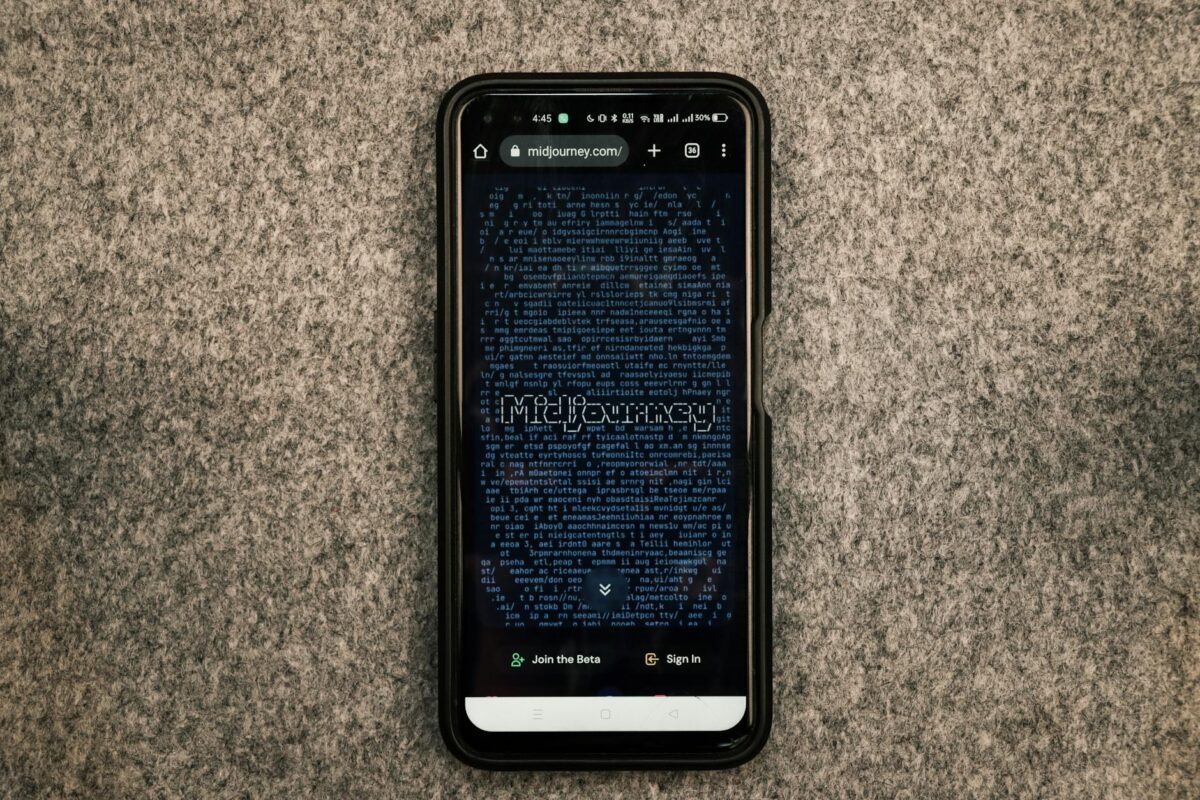
Midjourney turns words into visual choices. It does not read a story, it parses key nouns and short phrases, then maps them to likely looks. The order of your words matters. The first nouns carry extra weight.
Core building blocks:
- Subject: the main thing, like “golden retriever puppy.”
- Traits: materials, colors, textures, age, size.
- Setting: location or background.
- Mood: the feeling shown by the scene.
- Lighting: the light source or quality.
- Style: medium or approach, like watercolor or cinematic photo.
- Composition: how the shot is framed.
- Parameters: extra controls, like aspect ratio.
Concrete words produce consistent images. “Soft backlight” is better than “pretty lighting.” Think in pictures, not in plot. For a quick reference on how Midjourney reads prompts, check the official Prompt Basics. If you are brand new, the Getting Started Guide is also helpful.
A Simple Prompt Formula You Can Reuse
Use this format: Subject + key traits + setting + mood + lighting + style + composition + parameters.
- Example 1, animal: golden retriever puppy, fluffy, sitting in a sunny garden, joyful mood, soft backlight, natural colors, close-up, –ar 4:5
- Example 2, landscape: rocky coast at sunrise, low mist, pastel sky, wide shot, –ar 21:9
- Example 3, product: stainless steel watch, studio photo, soft shadows, white backdrop, centered, –ar 3:2
Each part should add a new detail. Do not repeat the same idea with synonyms.
Words That Matter: Mood, Lighting, and Style
Here is a short list you can plug in. Swap one choice at a time to see clear changes.
- Mood: calm, joyful, eerie, epic
Mini example: misty forest path, calm mood - Lighting: golden hour, soft light, neon, dramatic shadows
Mini example: street portrait, neon lighting - Style: watercolor, pencil sketch, clay model, cinematic, studio photo
Mini example: garden bird, watercolor style - Composition: close-up, wide shot, top-down, centered, rule of thirds
Mini example: desk setup, top-down composition
For more style and example inspiration, browse this short guide with V6 samples: Midjourney Prompts 101 (With V6 Examples for 2025).
Order and Clarity: What Midjourney Reads First
Put the subject first. Then group related ideas with commas. Avoid filler like “make it cool” or “high quality” if it adds no visual detail. You can add weights later when you are comfortable, but start with clean order and short phrases.
- Before: high quality, beautiful lighting, a photo that looks amazing of a cat
- After: cat, green eyes, soft fur, warm window light, close-up portrait
Step-by-Step: Write Clear Midjourney Prompts That Get the Picture You Want
Start with a plain sentence about your image. Then convert it into the formula. Add style, mood, lighting, and composition in small steps. Keep everything short.
Quick checklist:
- Subject first
- Add 3 to 5 visual facts
- Pick one mood and one lighting
- Choose a composition
- Add parameters if needed
Two mini before-and-after pairs:
- Before: a beautiful city at night
After: city skyline at night, neon signs, wet streets, wide shot, –ar 16:9 - Before: a nice portrait of a girl
After: teen portrait, warm window light, neutral background, headshot, –ar 4:5
Start With the Main Subject and Action
Lead with the subject and a strong noun or verb.
- Bad: a scene of happiness
Better: teen runner tying shoes on a track
More good starters:
- Animal: red fox leaping over a log
- Building: brick library with arched windows, front view
Avoid vague words like “nice” or “cool.” Replace them with concrete traits.
Add Style, Mood, and Lighting That Fit Your Goal
Add one choice per layer so each change is clear.
- Chain 1, sports photo:
teen runner tying shoes on a track → at sunrise → warm golden hour light → cinematic photo style → shallow depth of field, close-up - Chain 2, fantasy scene:
crystal castle on a cliff → stormy sky → dramatic shadows → painterly style → wide shot
Use Smart Parameters: Shape, Detail, and What to Avoid
Parameters adjust the output beyond words. The official Parameter List explains them in full, but here is the short version students need:
- Aspect ratio, –ar: shape of the frame. Try 1:1 (square), 16:9 (wide), 9:16 (portrait).
- Stylize, –stylize: style intensity. Good range is 50 to 200 for most school use.
- Quality, –quality: render cost and detail. 1 is fine in most cases.
- Negative prompts, –no: remove unwanted stuff, like text or watermarks.
- Chaos, –chaos: variety level. Lower for safer results, higher for more surprises.
Two examples:
- product photo: ceramic mug, studio photo, soft shadows, white background, centered, –ar 4:5, –no text
- landscape: foggy pine forest, minimal style, muted greens, wide shot, –ar 21:9
If you want a visual overview of parameters, this quick visual guide is handy: Ultimate Guide to Midjourney Parameters.
Keep It Short and Useful, Not Wordy
Trim filler, merge similar words, and keep 10 to 30 words before parameters. Short prompts are easier to control and edit.
- Long: a super high quality, really cool and very detailed photo of a cute puppy in a beautiful garden with wonderful lighting and amazing colors that looks professional
- Tight: golden retriever puppy, fluffy coat, sunny garden, warm light, natural colors, close-up, –ar 4:5
Test two short variants instead of one long paragraph.
Student-Friendly Midjourney Prompt Templates You Can Copy and Edit
Use these plug-and-play templates for common school tasks. Keep them 12 to 25 words. Add parameters at the end as needed. To edit, swap the subject, style, or lighting without changing the structure. If you add image prompts for style, use original or free sources.
Portraits and Characters for Stories or Games
- student portrait, soft window light, neutral background, natural skin tones, headshot, –ar 4:5
- friendly cartoon chef, bold outlines, bright flat colors, simple kitchen, centered
- forest ranger hero, leather jacket, mossy woods, moody fog, cinematic lighting, waist-up
Tip: mention age, outfit, and pose for better results.
Class Posters, Slides, and Infographics
- solar system poster art, clean icons, dark space, glowing planets, minimal style, –no text, –ar 16:9
- food pyramid infographic art, flat design, clear sections, pastel palette, –no text
- water cycle diagram look, simple arrows, blue tones, classroom style, –no text
Add your real text in your slide or design tool later.
Product Mockups and Simple Logos for Projects
- eco water bottle, matte finish, studio photo, soft shadows, white backdrop, –ar 4:5
- shoe on floating stand, dynamic angle, rim light, glossy floor, –ar 3:2
- simple leaf mark logo, flat vector, green palette, negative space, –no text
Note: avoid real brand names and trademarks.
Landscapes and Background Scenes
- mountain lake at sunrise, calm water, low mist, wide shot, natural colors, –ar 16:9
- cyber city street, neon signs, rain reflections, night, cinematic vibe, –ar 21:9
- ancient library interior, warm lamps, dust in light beams, symmetrical view
Use composition words like “wide shot” or “centered” for better framing.
Fix Common Midjourney Prompt Mistakes and Improve Results Fast
Small tweaks beat big rewrites. Iterate with clear intent. For a quick look at common slip-ups, see this short guide on common Midjourney mistakes.
Vague Words and Missing Details
Weak words to avoid: “nice,” “detailed,” “cool.”
Replace with specifics like material, color, size, or mood.
- Rewrite: a modern city → futuristic skyline at sunset, neon signs, flying cars, wet streets
Aim for 3 to 5 visual facts, not feelings.
Composition and Cropping Problems
If faces get cut off or subjects are tiny, adjust composition and aspect ratio.
- Portrait fix: headshot, warm window light, neutral background, –ar 4:5
- Scene fix: desert highway at dusk, wide shot, headlights glow, –ar 16:9
- Top view fix: workspace desk, top-down, tidy layout, soft light, –ar 3:2
Use “headshot,” “waist-up,” “wide shot,” “top-down,” “centered,” or “rule of thirds.”
Hands, Text, and Small Artifacts
Hands are tricky. Use simpler poses or fewer fingers in view. Try “hands behind back” if needed. To avoid labels or symbols, add “–no text, –no watermark.” If you see artifacts, switch the seed, generate a variation, then upscale.
- Example: lab notebook on desk, top-down, soft light, neat layout, –no text, –ar 4:3
Iterate Like a Pro: Variations, Seeds, and Remix
Use this 3-step loop:
- Generate an image.
- Mark what is off.
- Change one or two words or a single parameter.
Use a seed number to compare small changes across runs. Turn on Remix to swap style or lighting without breaking layout. Want more prompts to study and remix? Explore this curated list of useful prompts, then adapt them to your subject.
Conclusion
Strong midjourney prompts follow a simple plan. Start with a clear subject, add setting, mood, lighting, and style, then choose an aspect ratio and any “–no” items. Keep prompts short and specific. Save the ones that work, make small changes, and build a style list that fits your projects.
Pick two templates above, try them today, and edit them for your class project. For more reference and prompt structure tips, bookmark the official Prompt Basics and the full Parameter List.