
In today’s fast-paced world, time is one of our most valuable resources. That’s why AI automation is becoming a powerful tool for both employees and students. Imagine having a smart assistant that takes care of repetitive, time-consuming tasks so you can focus on what truly matters—advancing your career, succeeding in your studies, or simply enjoying a better work-life balance.
But what exactly is AI automation?
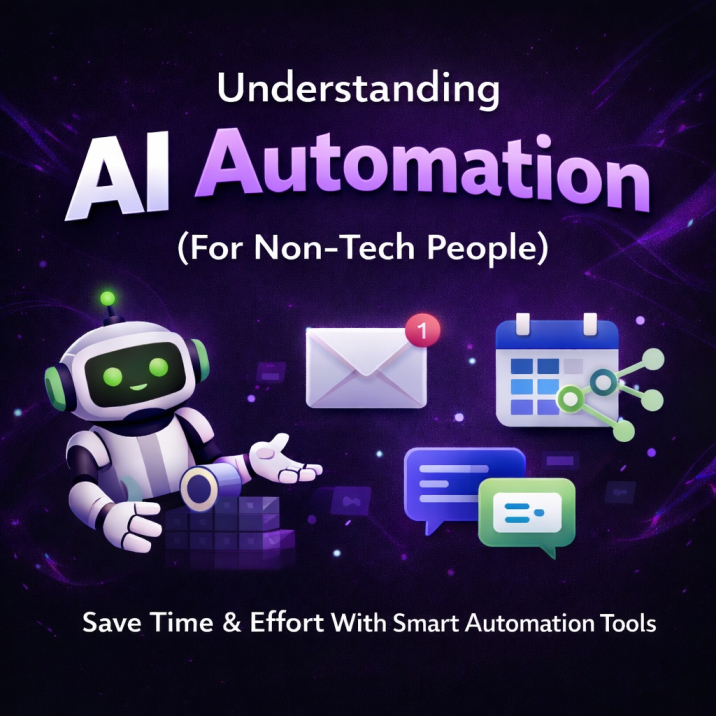
At its core, AI automation refers to using artificial intelligence to streamline and automate tasks that normally require human effort. It’s not about replacing people. Instead, it enhances human capabilities by handling routine activities such as data entry, scheduling, organizing information, or even basic decision-making.
For non-technical users, AI automation may sound intimidating or overly complex. In reality, modern tools are designed to be highly accessible, often requiring little to no coding knowledge. This article explains AI automation in simple terms—how it works, why it matters, real-world examples, and beginner-friendly tools like Zapier and n8n. By the end, you’ll understand how to use AI automation to boost productivity in your daily life.
In 2025, AI automation is more user-friendly than ever, with intuitive platforms that make automation feel almost effortless. Let’s start with the basics.
Understanding the Basics of AI Automation
To understand AI automation, it helps to compare it with traditional automation. Traditional automation follows strict, predefined rules—for example, email filters or spreadsheet formulas. AI automation goes a step further by adding intelligence. It can learn from data, recognize patterns, and adapt to new situations, much like a human would—but faster and without getting tired.
In simple terms, AI automation combines artificial intelligence (such as machine learning and natural language processing) with workflow tools to automate more complex tasks. For example, instead of manually sorting customer emails, an AI system can read the messages, understand their intent, categorize them, and even draft responses.
This is especially valuable for non-tech users because modern platforms hide the technical complexity behind easy-to-use interfaces.
Why does this matter?
Studies show that employees spend up to 40% of their time on low-value, repetitive tasks. Students face similar issues, such as organizing notes, managing deadlines, or searching for information. AI automation reduces this burden, allowing people to focus on creative, strategic, and meaningful work.
Key elements of AI automation include:
- Triggers: Events that start a workflow, such as receiving an email or submitting an assignment
- Actions: Tasks performed automatically, like sending notifications or updating a document
- AI Intelligence: The “smart” part—analyzing text, summarizing content, or making predictions
You don’t need to understand algorithms to use AI automation. You just need to know what you want automated.
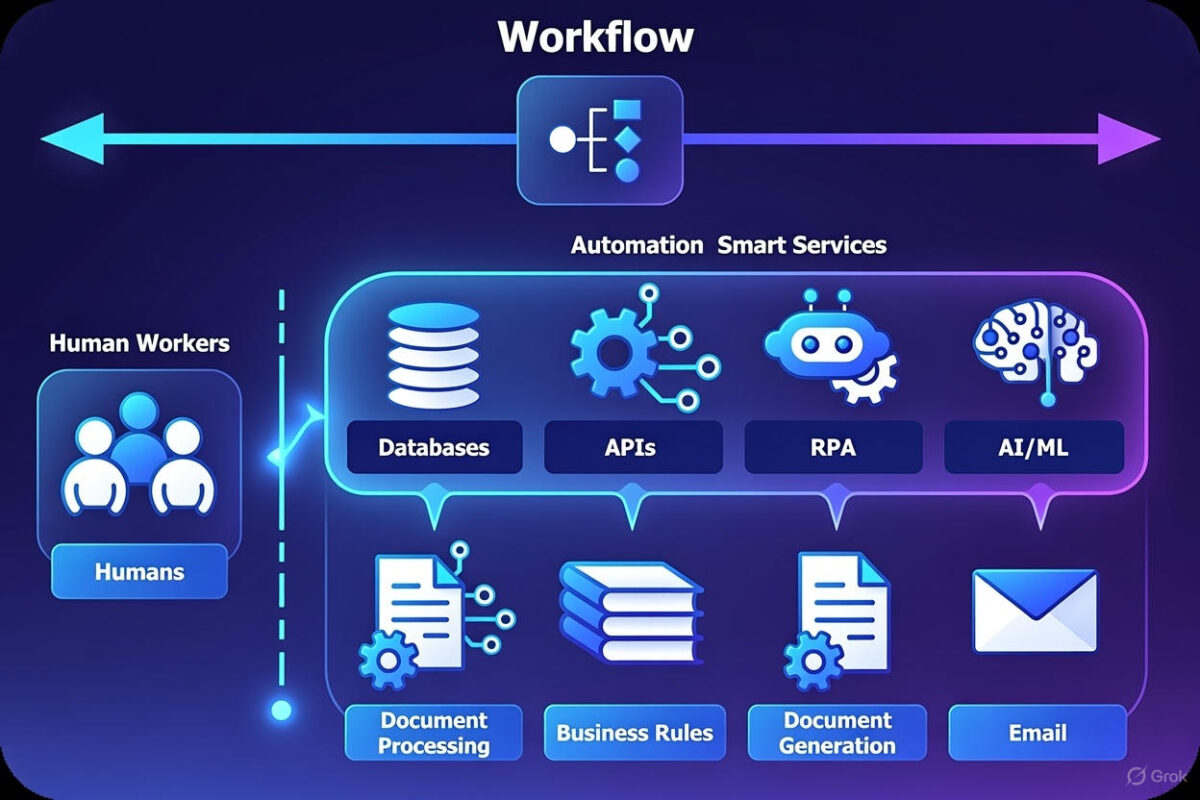
How AI Automation Works (Without Technical Knowledge)
You might wonder how AI automation works if you’re not a programmer. The answer lies in visual, no-code platforms.
AI automation tools connect the apps you already use—such as Gmail, Google Docs, Slack, or Notion—and allow you to create workflows using drag-and-drop steps. AI adds intelligence by analyzing data and making smart decisions within those workflows.
A simplified process looks like this:
- Identify a repetitive task (e.g., summarizing emails or tracking assignments)
- Connect your apps using a no-code platform
- Add an AI step, such as summarizing text or generating insights
- Test and refine the automation
Over time, AI systems can improve by learning from previous actions and results.
For example:
- A student receives lecture notes by email → AI summarizes them → saves them in a notes app → generates practice questions
- An employee receives new leads → AI evaluates them → updates a CRM → schedules follow-ups automatically
Because AI can handle variation and context, it works well in dynamic environments like offices and classrooms.
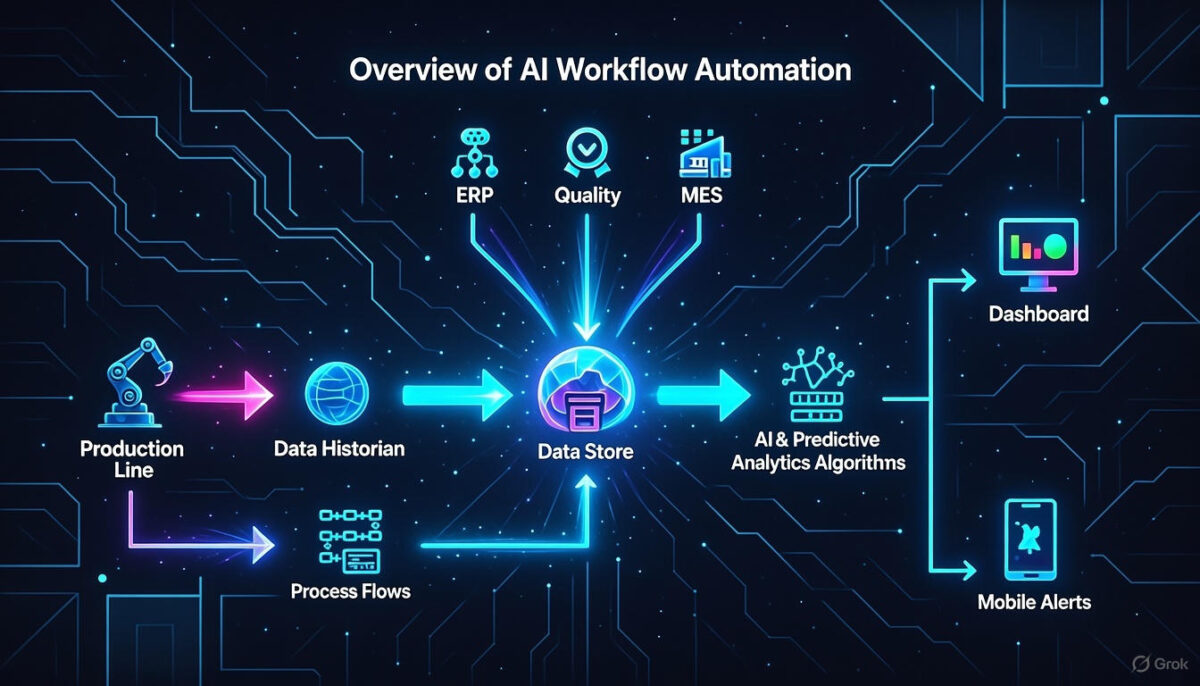
Benefits of AI Automation for Employees and Students
The biggest advantage of AI automation is saving time and reducing mental overload.
For employees:
- Higher productivity by eliminating routine tasks
- Fewer errors in data handling
- Better work-life balance
- Increased job satisfaction
For students:
- Automatic organization of notes and resources
- Personalized study plans based on performance
- Faster research and content summarization
- Better deadline and schedule management
AI automation allows people to work smarter—not harder—by focusing energy on tasks that require human creativity and critical thinking.
Real-World Examples of AI Automation
For employees:
- AI email assistants that prioritize messages and draft replies
- Automatic report generation from spreadsheets
- AI chatbots handling basic customer support questions
For students:
- Generating flashcards and summaries from class materials
- Automatically collecting and organizing research articles
- Smart scheduling based on study habits and deadlines
In everyday life, AI automation quietly simplifies complex workflows and reduces stress.
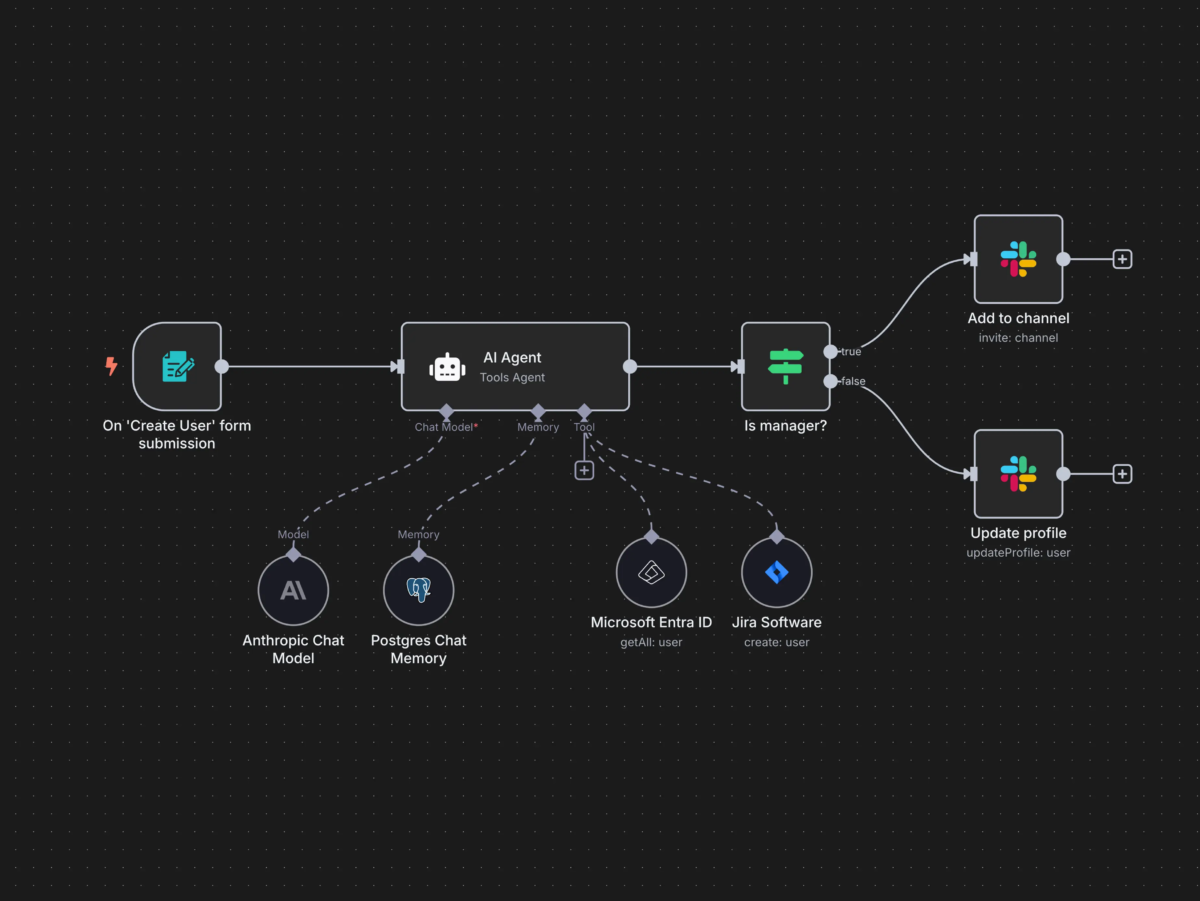
Popular AI Automation Tools: Zapier and n8n
Zapier: Simple and Beginner-Friendly
Zapier is a no-code platform that connects over 8,000 apps. Users create “Zaps” that automate workflows between tools like Gmail, Google Sheets, and AI models such as ChatGPT.
Why Zapier is great for non-tech users:
- Extremely intuitive interface
- Ready-made templates
- Built-in AI assistance for building workflows
It’s ideal for individuals, students, and teams who want fast results with minimal setup.
n8n: Flexible and Powerful
n8n is an open-source automation platform that offers more flexibility and customization. While it supports no-code visual workflows, it also allows advanced users to add code if needed.
Key advantages:
- Drag-and-drop workflow builder
- Strong AI integrations
- Option to self-host for privacy and control
n8n is great for users who want deeper customization while still benefiting from visual automation tools.
How to Get Started with AI Automation
- Identify repetitive tasks in your daily routine
- Choose a tool (Zapier for simplicity, n8n for flexibility)
- Start with a template
- Test your automation
- Improve and expand over time
Start small and build confidence step by step.
Challenges to Keep in Mind
While AI automation is powerful, it’s not perfect:
- Data privacy must be considered
- There is a small learning curve
- Human oversight is still important
Used wisely, AI automation is a support system—not a replacement for human judgment.
The Future of AI Automation
AI automation is moving toward agent-based systems that can operate more independently. For non-technical users, this means even simpler interfaces, smarter assistants, and broader adoption in education and workplaces.
Conclusion
AI automation is a practical and accessible tool for students and employees who want to save time and reduce repetitive work. With beginner-friendly platforms like Zapier and n8n, anyone can start automating tasks today—no technical background required.
By embracing AI automation, you reclaim your time and focus on what truly matters.