


Quick question: could you name every subscription currently pulling money from your account?
Most people can’t. Streaming services, cloud storage, that meditation app you downloaded during a stressful week in 2023, a “free trial” that quietly became a real charge — subscriptions have a way of multiplying in the dark. The average household now juggles close to eight recurring subscriptions, and the gap between what people think they’re spending and what they’re actually spending is often more than double.
That gap is exactly what AI subscription trackers were built to close.
This guide walks through what these tools actually do, how the AI part works under the hood, the privacy trade-offs nobody explains clearly enough, and how to use one to reclaim the money leaking out of your budget every single month — without it becoming yet another subscription you forget about.
What Is an AI Subscription Tracker?
An AI subscription tracker is an app or feature that automatically finds, organizes, and manages your recurring payments — instead of you manually typing every service into a spreadsheet and hoping you remember to update it.
The “AI” part usually shows up in one (or more) of these ways:
- Reading your inbox. The app scans your email for billing confirmations, receipts, and renewal notices, then pulls out the merchant name, amount, and billing cycle automatically.
- Reading your bank or card transactions. Using a financial data connector, the app looks at your transaction history, recognizes recurring charges by pattern (same amount, same merchant, roughly the same date each month), and flags them as subscriptions.
- Reading screenshots or forwarded text. Some newer tools let you snap a photo of a receipt or paste in a confirmation email, and the AI extracts the subscription details for you.
- Answering questions in plain language. Instead of digging through menus, you can ask something like “how much am I spending on subscriptions a year?” or “which ones haven’t I used in three months?” and get a real answer, not just a list.
The core promise is simple: you shouldn’t have to do the detective work yourself. The software should surface what you’re paying for, when it renews, and whether it’s still worth keeping.
Why This Actually Matters (More Than It Sounds Like It Should)
It’s easy to dismiss subscription tracking as a minor budgeting detail. In practice, it’s one of the highest-leverage things you can do for your finances, for a few reasons.
Subscriptions are designed to be forgettable. Free trials convert automatically. Annual renewals happen once a year, which is exactly long enough for most people to forget they exist. Family plans, add-ons, and “premium tiers” pile up slowly rather than all at once, so there’s never one obvious moment where the cost feels alarming.
The money adds up faster than it feels like it should. A handful of $9.99 and $14.99 charges doesn’t feel like much individually. Stacked together across streaming, software, fitness, storage, news, and productivity tools, it’s common for households to be spending several hundred dollars a month without a clear mental picture of the total.
Cancelling is intentionally annoying. Plenty of companies make it one click to subscribe and a maze to cancel — a hidden “retention” phone call, a buried settings menu, a “chat with an agent” flow designed to slow you down. A good tracker doesn’t just show you the charge; it often gives you a direct path to cancel it.
Visibility changes behavior. There’s a well-documented psychological effect where simply seeing your recurring costs in one place — rather than scattered across twelve different bank line items — makes people cut back voluntarily. You don’t need willpower if you have visibility.
How AI Subscription Trackers Actually Work
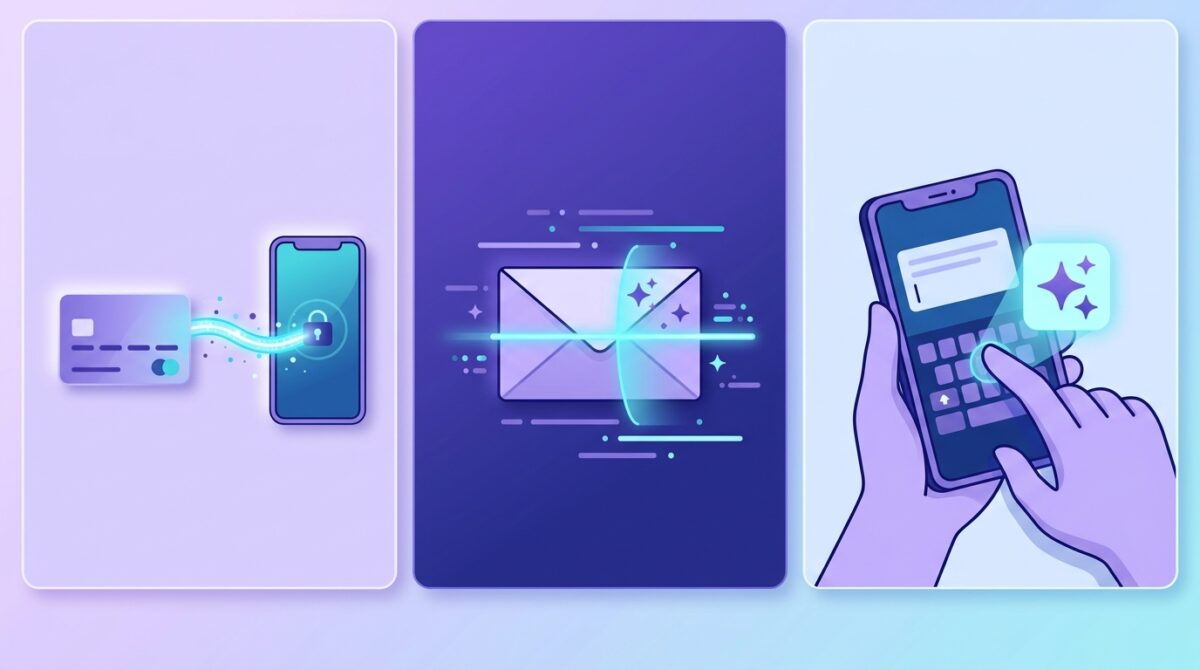
It helps to understand what’s happening behind the scenes, because it directly affects which type of tool is right for you.
1. Bank-Linked Detection
This is the most “automatic” approach. You connect your bank account or credit card (usually through a third-party data aggregator like Plaid), and the app scans your transaction history for recurring patterns. If a $15.99 charge from the same merchant shows up every month, the AI flags it as a subscription.
Pros: Extremely low effort. It finds subscriptions you’ve genuinely forgotten about, including old ones buried in transaction history.
Cons: You’re handing over your full banking login and transaction history to a third party — not just subscription data, but your salary, rent, medical payments, and everything else that flows through your account.
2. Email Scanning
Instead of your bank, the AI scans your email inbox (Gmail, iCloud, Outlook) for receipts, invoices, and renewal notices. It reads the text of these emails and extracts merchant, amount, and billing frequency.
Pros: Doesn’t require banking credentials at all — a meaningfully smaller privacy footprint. Also tends to catch subscriptions before the first real charge even hits your account, since trial confirmation emails usually land days or weeks earlier.
Cons: It only catches what shows up in your inbox. If you subscribed through Apple’s App Store or Google Play without a matching email receipt, it may miss it.
3. Manual Entry with AI Assist
You add subscriptions yourself, but the AI does the tedious part — reading a forwarded email, a screenshot, or even a voice note (“I just signed up for a $12 a month yoga app”) and turning it into a structured entry with the right name, price, and renewal date.
Pros: Maximum privacy. Nothing is connected to your bank or your inbox; you control exactly what gets tracked.
Cons: Requires a bit of ongoing effort. If you forget to log something, the app won’t know it exists.
There’s no universally “best” method here — it’s a genuine trade-off between convenience and privacy, and the right choice depends on how much access you’re comfortable giving a third-party app to your financial life.
Key Features Worth Looking For
Not all AI subscription trackers are built the same. When comparing tools, these are the features that separate a genuinely useful one from a glorified list:
Renewal alerts before the charge, not after. A tracker that tells you “your trial converts to a paid plan in 3 days” is far more useful than one that just logs the charge after it’s already happened.
Waste or usage detection. Some tools go a step further and try to flag subscriptions you’re likely not using — based on how long it’s been since the last login, or by simply asking you periodically whether you still want a service.
Multi-currency and multi-platform support. If you have subscriptions billed through Apple, Google Play, PayPal, and a direct card charge, a good tracker consolidates all of them into one view rather than tracking only bank-linked charges.
A real cancellation path. The most useful trackers don’t stop at “here’s what you’re paying for” — they link directly to cancellation pages or provide step-by-step cancel guides for services notorious for making it difficult.
Context, not just a list. The more advanced tools let you ask natural-language questions — “how much would I save if I dropped my streaming services to one?” — and get an answer grounded in your actual data, rather than forcing you to do that math yourself.
Clear, upfront privacy practices. Look for a plain-language explanation of what data the app accesses, whether it requires bank linking, how long data is stored, and whether it’s encrypted. If that information is hard to find, treat that as a signal.
Bank-Linked vs. Privacy-First: Which Should You Choose?
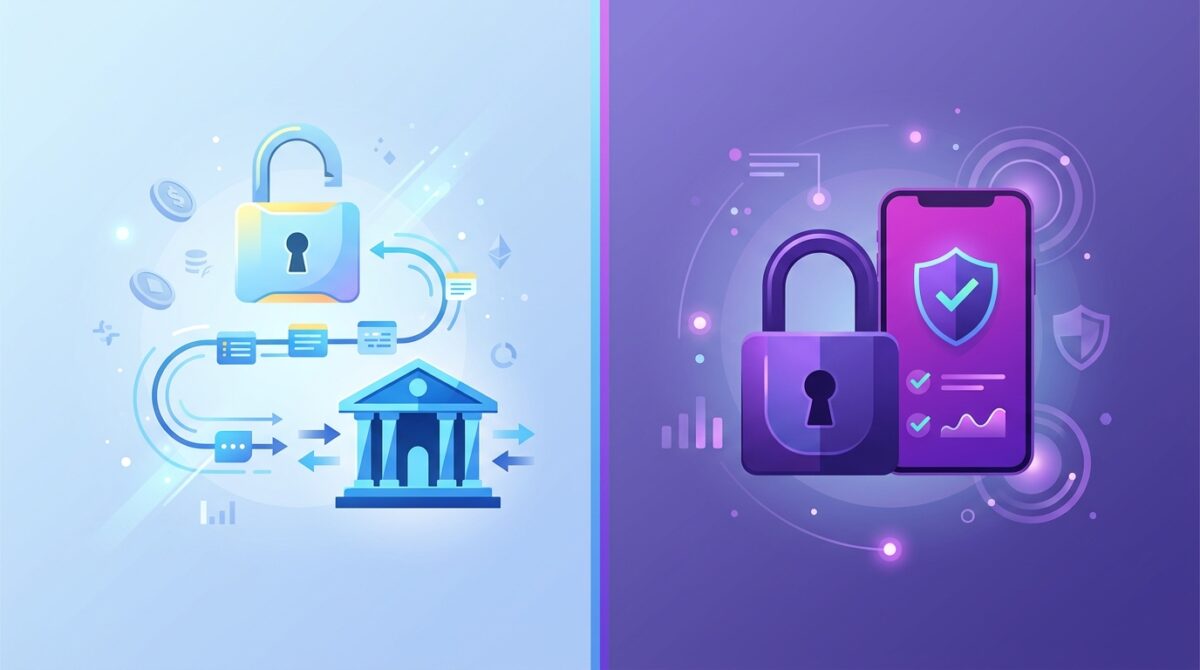
This is genuinely the biggest decision point when picking a tool, so it’s worth sitting with for a moment.
Choose a bank-linked tracker if:
- You have a lot of old, forgotten subscriptions and want the most thorough automatic sweep
- You’re comfortable with a reputable aggregator (like Plaid) handling your transaction data
- You want everything — bills, subscriptions, spending categories — in one financial dashboard
Choose an email-scanning or manual tracker if:
- You’d rather not connect banking credentials to a third-party app at all
- You mainly want to catch new subscriptions and trials before they become a problem, rather than excavating years of old transaction history
- You’re fine with a small amount of manual upkeep in exchange for tighter control over your data
A reasonable middle path many people land on: use an email-scanning or manual tool for day-to-day tracking, and do a one-time thorough review of a full year of bank and card statements to catch anything older that slipped through. You get most of the privacy benefit without giving up long-term visibility.
A Step-by-Step Way to Actually Use One of These Tools
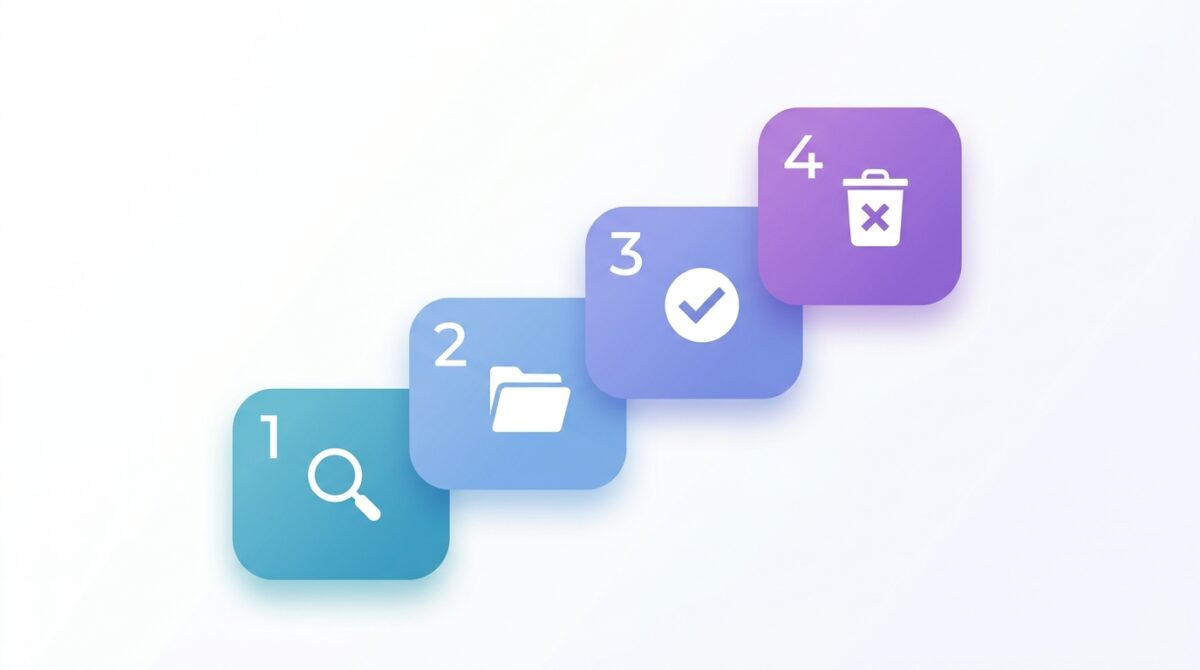
Downloading a subscription tracker doesn’t do much good if it just becomes app number nine that you forget about. Here’s a practical way to get real value out of it in the first sitting.
Step 1: Do a full sweep before anything else. Before relying on ongoing automatic detection, pull up your last 12 months of bank and credit card statements (or let the app scan your inbox for the past year). You’re looking for anything that repeats — same amount, same merchant, monthly or annual cadence. Annual subscriptions are the easiest to miss, since they only appear once a year.
Step 2: Categorize everything, don’t just list it. Group what you find into rough buckets: entertainment, software/productivity, fitness/wellness, news/media, cloud storage, and “no idea what this is.” That last category deserves special attention — a charge you can’t identify is either a subscription you completely forgot about or, occasionally, a sign of unauthorized use worth investigating.
Step 3: Ask the “use it or lose it” question for each one. For every subscription, ask honestly: did I use this in the last 30 days? Would I notice if it disappeared tomorrow? If the answer to both is no, that’s a cancellation candidate — not because the service is bad, but because it’s not currently earning its place in your budget.
Step 4: Cancel the easy ones immediately. Don’t try to negotiate or “downgrade” everything in one sitting — decision fatigue is real. Cancel the obvious dead weight first (the app you forgot existed, the trial that converted without you noticing) to get quick wins and build momentum.
Step 5: For the harder calls, try a downgrade before a full cancel. Many services offer a cheaper tier with fewer features. If you’re on the fence about cutting something entirely, check whether a lower tier meets your actual usage before walking away completely.
Step 6: Set a recurring review, not a one-time cleanup. The real value of an AI tracker isn’t the first sweep — it’s the ongoing alerts. Set a monthly or quarterly reminder to actually open the app and glance at what’s changed, rather than letting it silently collect data you never look at.
Common Mistakes People Make With Subscription Trackers
Treating the first scan as a one-time fix. New subscriptions and price increases happen continuously. A tracker only pays off if you keep checking in, not just during the initial cleanup.
Ignoring price increases on subscriptions you kept. Many services quietly raise prices over time. A charge you decided was worth $9.99 a year ago might now be $14.99, and that’s worth revisiting even if you didn’t cancel it the first time.
Connecting a bank account without reading the privacy policy. If you’re going to link financial accounts, it’s worth the two minutes to understand who has access to that data, how it’s used, and whether it’s shared with third parties.
Adding a paid subscription tracker without checking the free tier first. Several tools offer genuinely useful free plans — unlimited manual tracking, basic categorization, and renewal reminders — that cover what most people need before any paid upgrade is worth it.
Forgetting shared or family subscriptions. Streaming and software plans split across family members or roommates are especially easy to lose track of, since the charge might not even hit your own card.
Frequently Asked Questions
Is it safe to link my bank account to a subscription tracker? Reputable apps use established, bank-grade data aggregators and encrypt your information, and this is a common, generally safe practice. That said, “generally safe” isn’t the same as “no trade-off” — you’re extending trust to another company with access to your transaction history. If that trade-off makes you uneasy, an email-scanning or manual tool sidesteps it entirely.
Can AI subscription trackers cancel subscriptions for me automatically? Some tools offer negotiation or cancellation services — often for a cut of whatever they save you, sometimes a meaningful percentage. Others simply link you directly to the cancellation page so you can do it yourself in a few clicks, with no fee attached. It’s worth knowing which model a given app uses before you sign up.
Do I need to pay for a subscription tracker to see value from one? Not necessarily. Several tools have solid free tiers that cover manual tracking, basic categorization, and reminders. Paid tiers typically add automatic bank-linked detection, unlimited entries, or advanced analytics — useful, but not essential for getting started.
What’s the difference between a subscription tracker and my bank’s built-in “recurring payments” feature? Most banking apps now flag recurring charges too, but they’re usually limited to what hits that one account and rarely include cancellation help, renewal alerts ahead of time, or a consolidated view across multiple cards, Apple ID, and Google Play charges. A dedicated tracker pulls all of that into a single picture.
How much could I realistically save by using one of these tools? It varies a lot by household, but the pattern shows up consistently: people tend to underestimate their subscription spending by a wide margin until they see it laid out in one place. Even without cancelling anything, simply having an accurate total often prompts people to cut back on their own.
The Bottom Line
An AI subscription tracker isn’t magic — it’s not going to build you a budget or manage your investments. What it does is solve one very specific, very common problem: the slow, quiet accumulation of small recurring charges that nobody consciously agreed to keep paying for forever.
The right tool for you depends mostly on how you feel about the privacy trade-off. If you want the most thorough, hands-off detection and you’re comfortable linking your bank, a bank-linked tracker will catch nearly everything automatically. If you’d rather keep your banking credentials out of a third-party app entirely, an email-scanning or manual tracker with AI-assisted entry gets you most of the benefit with a smaller privacy footprint.
Either way, the habit matters more than the app. Do a real first sweep, cancel the obvious dead weight, and actually open the app again next quarter instead of letting it become one more subscription you forget about.










[…] useful approach is to create an AI subscription […]