


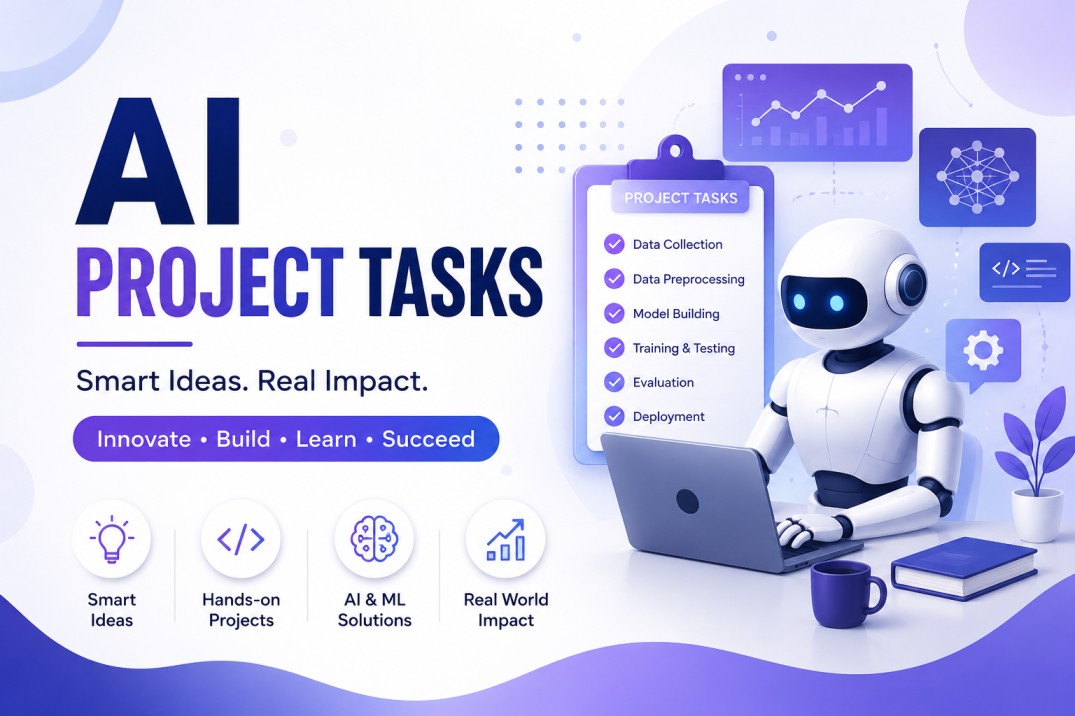
Managing a project used to mean endless spreadsheets, status meetings, and manually chasing down updates from every team member. Today, AI project tasks are changing that reality. Artificial intelligence is no longer a futuristic add-on for project managers — it has become a practical, everyday tool that automates repetitive work, predicts risks before they happen, and helps teams deliver projects faster and with fewer errors.
In this article, we’ll break down exactly what AI project tasks are, how they work, the best tools available, and how you can start using AI to manage your own projects more effectively.
What Are AI Project Tasks?
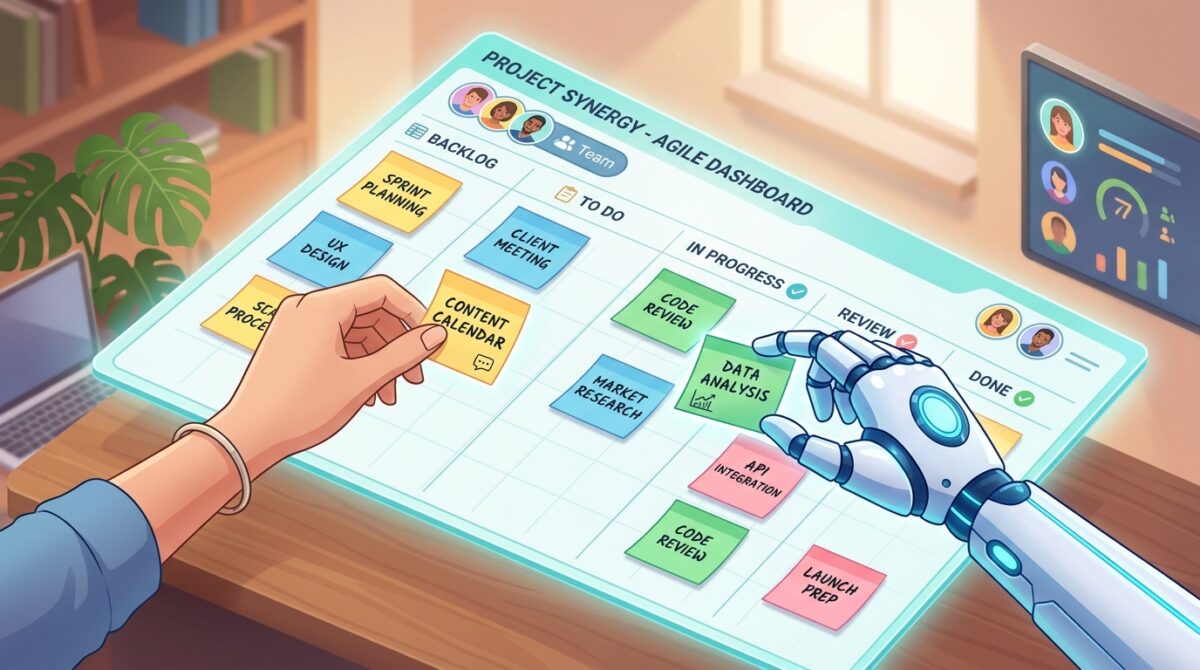
AI project tasks refer to any project management activity — task creation, prioritization, scheduling, resource allocation, progress tracking, or reporting — that is partially or fully automated using artificial intelligence. Instead of a project manager manually assigning deadlines or predicting bottlenecks, AI algorithms analyze historical data, team capacity, and project scope to make these decisions faster and often more accurately.
Modern AI project management tools use machine learning, natural language processing (NLP), and predictive analytics to:
- Automatically generate task lists from meeting notes or project briefs
- Prioritize tasks based on deadlines, dependencies, and team workload
- Predict potential delays or risks before they occur
- Summarize project status in plain language
- Recommend resource reallocation when a team member is overloaded
This shift means project managers spend less time on administrative busywork and more time on strategic decision-making.
Why AI Matters for Project Management
Traditional project management relies heavily on human judgment and manual tracking, which introduces two major problems: inconsistency and delay. A project manager juggling multiple projects can easily miss early warning signs of a delay, or fail to notice that one team member is overloaded while another has spare capacity.
AI addresses these gaps by continuously monitoring project data in real time. It doesn’t get tired, doesn’t forget to check in, and doesn’t have blind spots caused by bias or oversight. According to multiple industry reports, teams using AI-powered project management report faster task completion, better on-time delivery rates, and improved team satisfaction because routine coordination work is offloaded to automated systems.
The result is a project environment where humans focus on creativity, problem-solving, and stakeholder communication, while AI handles the operational grind.
Key AI Capabilities for Project Tasks
1. Automated Task Creation and Assignment
AI tools can read a project brief, meeting transcript, or even a Slack conversation and automatically generate a structured task list. Some tools go a step further, assigning tasks to the right team member based on their role, current workload, and past performance on similar work.
2. Smart Prioritization
Instead of a manager manually ranking tasks, AI can analyze deadlines, dependencies, and business impact to automatically sort a backlog by priority. This is especially useful in agile environments where priorities shift week to week.
3. Predictive Scheduling
AI models trained on historical project data can forecast how long a task will realistically take — not just how long it was estimated to take. This helps prevent the common problem of overly optimistic timelines that lead to missed deadlines.
4. Risk and Bottleneck Detection
By continuously analyzing task progress, AI can flag tasks that are trending toward delay long before a human would notice. Some tools even suggest corrective actions, like reassigning a task or adjusting a deadline.
5. Automated Status Reporting
Instead of manually compiling a weekly status report, AI can generate a plain-language summary of what’s on track, what’s at risk, and what needs attention — pulling directly from task management data.
6. Resource Optimization
AI can analyze team capacity across multiple projects simultaneously, identifying when someone is overbooked and recommending redistribution before burnout or missed deadlines occur.
Best AI Tools for Managing Project Tasks
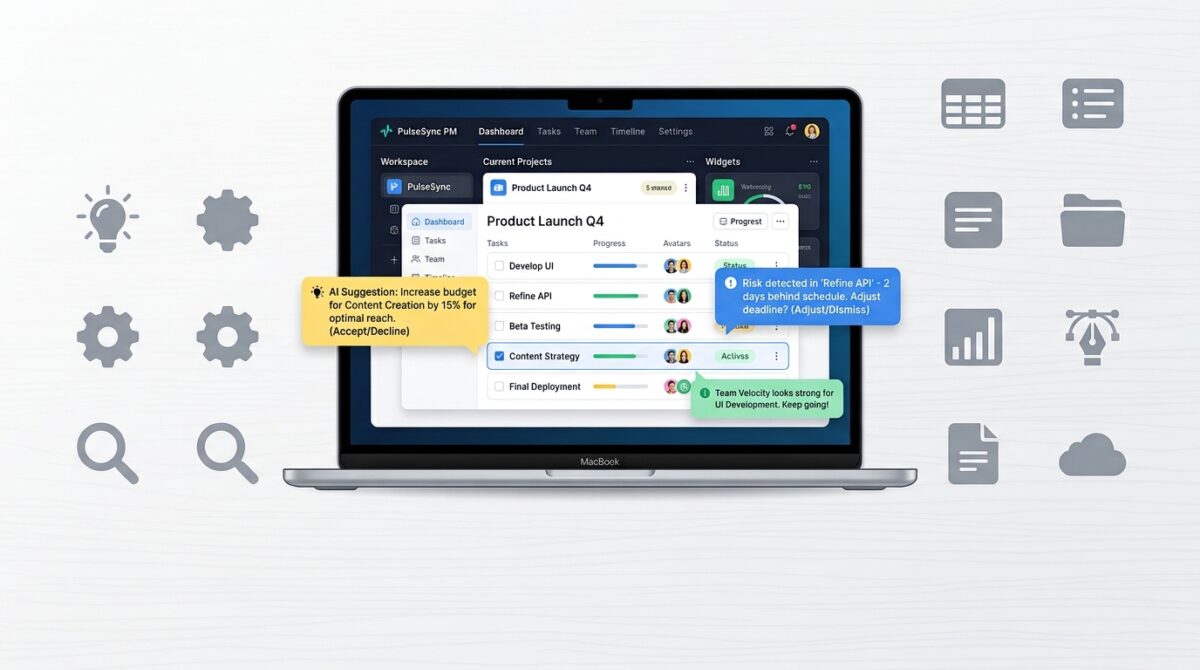
Several platforms have built strong AI capabilities directly into their project management software:
- Asana AI (Asana Intelligence) — Automates task creation, smart summaries, and workflow suggestions.
- ClickUp AI — Generates tasks, subtasks, and summaries from documents and conversations.
- Monday.com AI — Offers automation recipes, predictive timelines, and AI-assisted reporting.
- Notion AI — Useful for turning notes and briefs into structured task lists and project docs.
- Wrike AI — Focuses on risk prediction and resource management for larger teams.
- Trello’s Atlassian Intelligence — Adds AI-powered card summaries and automation to Kanban boards.
Each of these tools approaches AI project tasks slightly differently, so the right choice depends on your team size, workflow style (agile vs. traditional), and budget.
How to Implement AI in Your Project Task Workflow
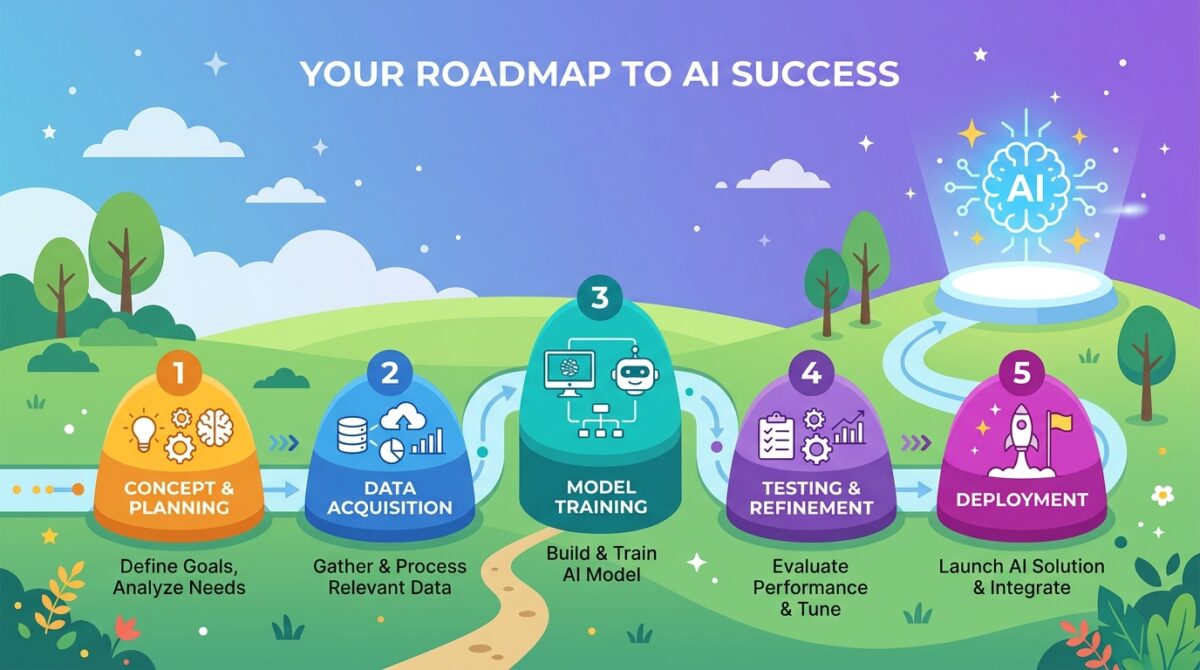
If you’re new to AI-powered project management, here’s a practical roadmap:
Step 1: Audit your current workflow. Identify which tasks are the most repetitive or time-consuming — these are the best candidates for AI automation.
Step 2: Choose the right tool. Match the platform to your team’s needs. A small marketing team might only need lightweight AI task generation, while a large engineering org may need predictive risk analytics.
Step 3: Start small. Don’t automate your entire workflow overnight. Begin with one function — like automated task creation from meeting notes — and expand from there.
Step 4: Train your team. AI tools work best when your team understands how to prompt them effectively and trusts the output enough to act on it.
Step 5: Review and refine. AI recommendations should be reviewed periodically. Treat AI as a collaborator that gets smarter over time, not a replacement for human judgment.
Benefits of Using AI for Project Tasks

- Time savings: Administrative work like status updates and task creation can be cut dramatically.
- Better accuracy: AI reduces human error in scheduling and resource allocation.
- Faster decision-making: Real-time risk alerts mean problems get addressed before they escalate.
- Improved team morale: Less manual coordination work means team members spend more time on meaningful work.
- Scalability: AI makes it easier to manage multiple projects simultaneously without a proportional increase in management overhead.
Common Challenges and How to Overcome Them

AI project management isn’t without its hurdles. Common challenges include:
- Data quality issues — AI is only as good as the data it’s trained on. Inconsistent task naming or incomplete project histories can reduce accuracy.
- Over-reliance on automation — Teams sometimes trust AI recommendations without applying human judgment, which can lead to poor decisions in edge cases.
- Change resistance — Team members accustomed to manual processes may be hesitant to adopt AI-driven workflows.
- Tool fatigue — Adding another AI feature on top of already complex software stacks can overwhelm teams if not rolled out thoughtfully.
The best way to overcome these challenges is a phased rollout, clear communication about what AI will and won’t do, and regular check-ins to gather team feedback.
The Future of AI in Project Task Management
Looking ahead, AI project management is moving beyond simple automation toward autonomous project agents — AI systems that can not only suggest actions but execute multi-step workflows independently, such as rescheduling a task, notifying stakeholders, and updating a project timeline, all without human intervention. This is often referred to as “agentic AI” in the productivity space.
We’re also seeing AI tools become better at cross-project intelligence — analyzing patterns across an entire organization’s project history to make smarter recommendations, rather than looking at a single project in isolation. As these systems mature, the role of the project manager is likely to shift further toward strategic oversight, stakeholder management, and exception handling, while AI manages the day-to-day operational details.

FAQ
What are AI project tasks? AI project tasks are project management activities — like task creation, scheduling, and status reporting — that are automated or assisted by artificial intelligence tools.
Can AI replace project managers? No. AI handles repetitive, data-heavy tasks, but project managers remain essential for strategic decisions, stakeholder communication, and judgment calls that require context AI doesn’t have.
What’s the best AI tool for project management? It depends on your needs. Asana AI and ClickUp AI are strong general-purpose options, while Wrike AI suits larger teams needing advanced risk analytics.
Is AI project management expensive? Many popular project management platforms now include AI features in their existing paid tiers, and some offer limited free access to AI functions, making adoption relatively affordable for most teams.
How do I start using AI for my project tasks? Start by automating one repetitive process, such as generating task lists from meeting notes, before expanding to more advanced features like predictive scheduling or automated reporting.
Final Thoughts
AI project tasks represent one of the most practical applications of artificial intelligence in the modern workplace. Rather than replacing project managers, AI acts as a force multiplier — handling the repetitive, data-heavy work so teams can focus on what actually moves projects forward: collaboration, creativity, and strategic thinking. Whether you’re managing a small team or overseeing a portfolio of complex projects, integrating AI into your task management workflow is one of the highest-leverage changes you can make in 2026.










[…] AI task management can help generate tasks from documents, meeting notes, conversations, or project descriptions. […]
Your content always manages to captivate and educate me. Keep up the fantastic work!